
Your Windows library through Proton, from Steam's own client, ready on the install image.
zurbax 2.2 lts · built on linux
Zurbax
A desktop operating system of liquid glass and moving pixels. Tiled, themed, and fast, with Steam and the drivers for nearly every PC already on it.
One image for nearly every PC from the last twelve years · Free · No account, no telemetry

An operating system, made whole.
Zurbax runs on Linux. Its kernel, Ember, is Linux with a few patches of ours, and that's where the support for so much hardware comes from. Everything you see on top is Zurbax's own: the graphics, the window system and desktop, the toolkit, the apps, the network and sound, the installer and the updates. So the whole thing looks like one thing and starts in seconds. For the rest of the Linux world, Steam, Proton, Flathub's apps and GNOME run in the Linux layer, side by side with it.
Then it opens the door to everything else: Steam and Proton for your games, all of Flathub for apps, Bridge for Windows programs, and GNOME if you want it.
- One image. Drivers for nearly every graphics card and Wi-Fi chip, about five thousand of them, loaded only for what's there.
- Yours. No account to make, no telemetry, nothing listening on the network.
- Kept safe. Signed security updates every two weeks, until October 2028.
- Quick. From the firmware's logo to your desktop with not a line of text in between.
See it in action
Real screens, straight from Zurbax.
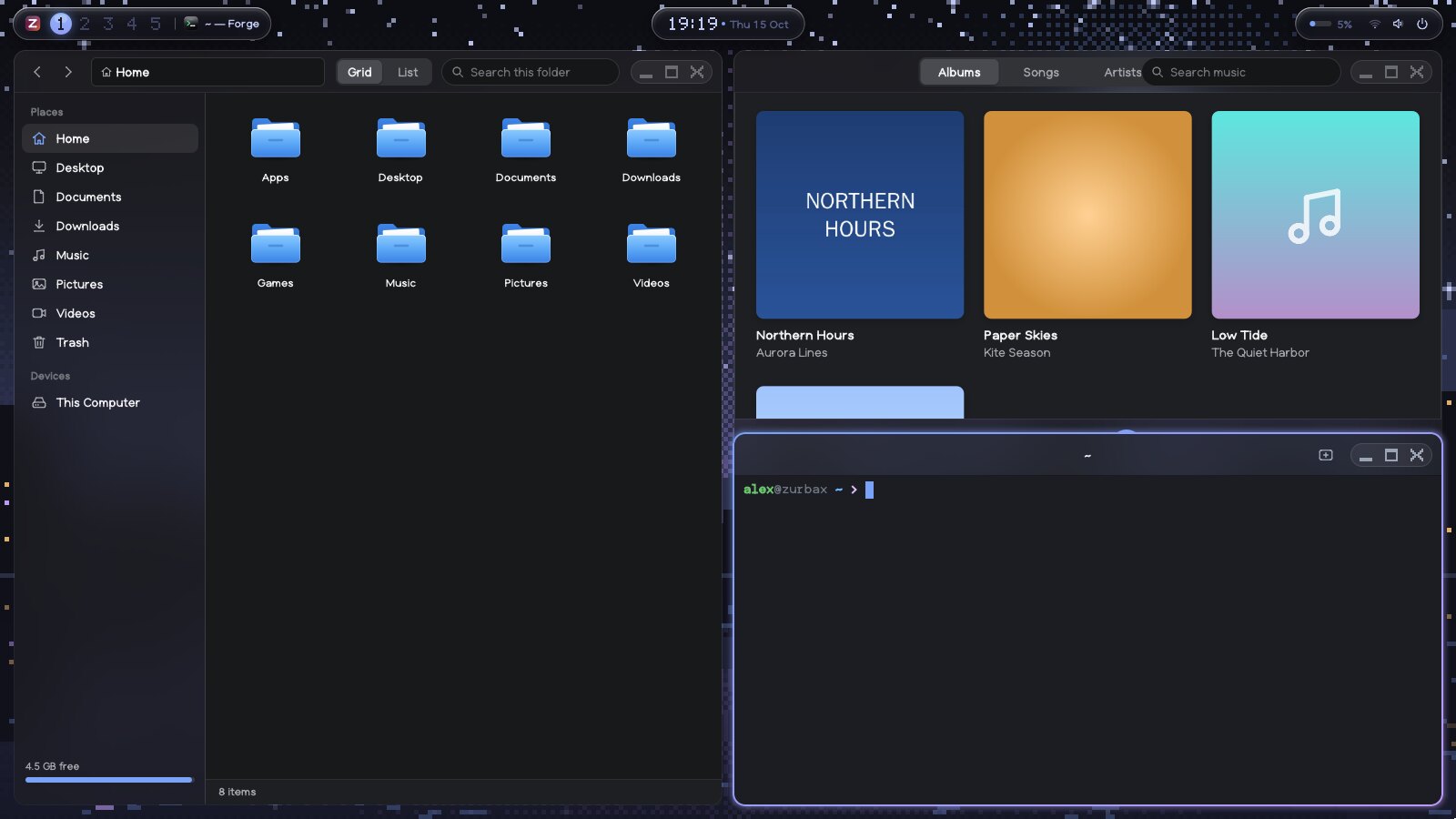
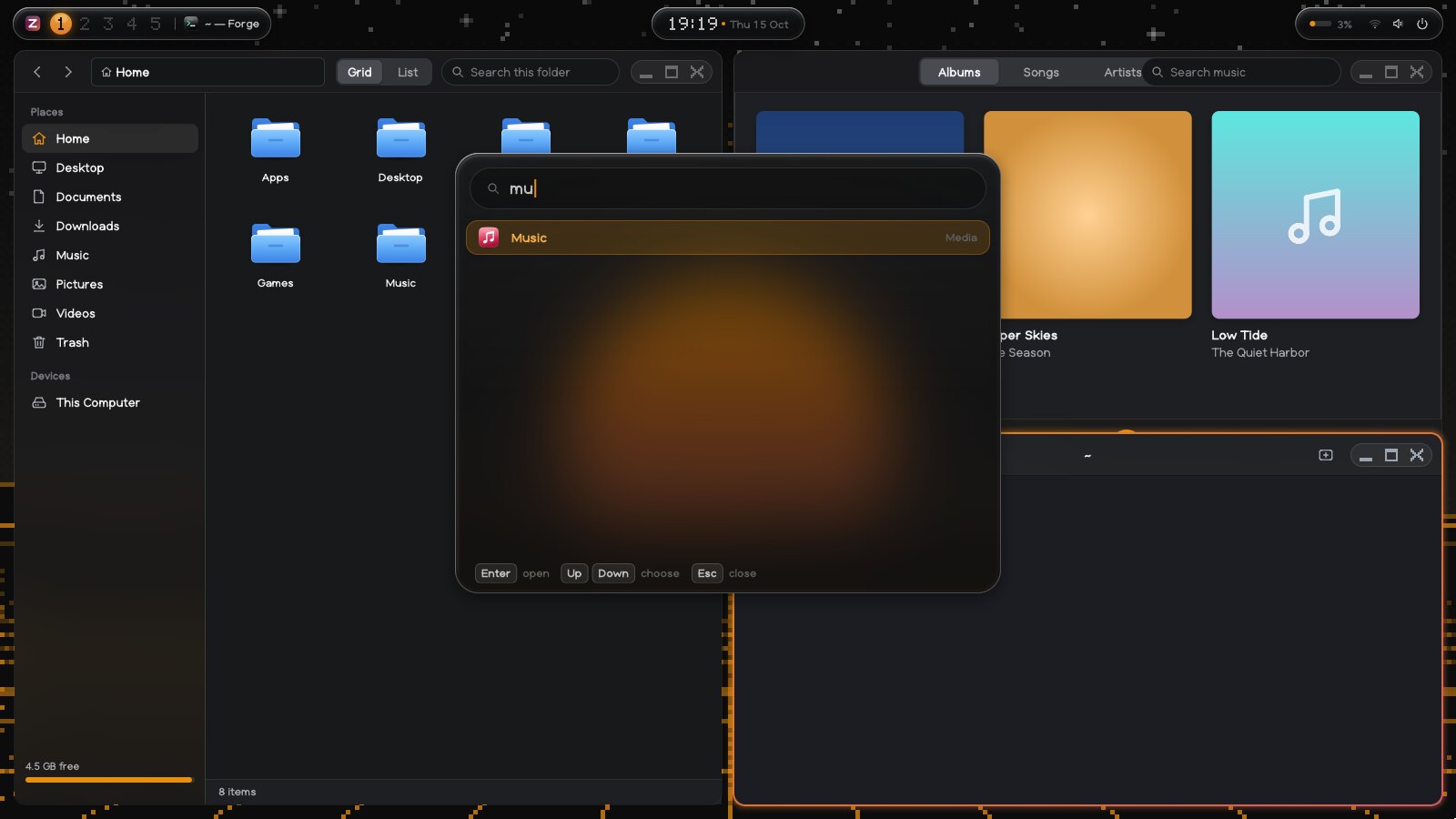
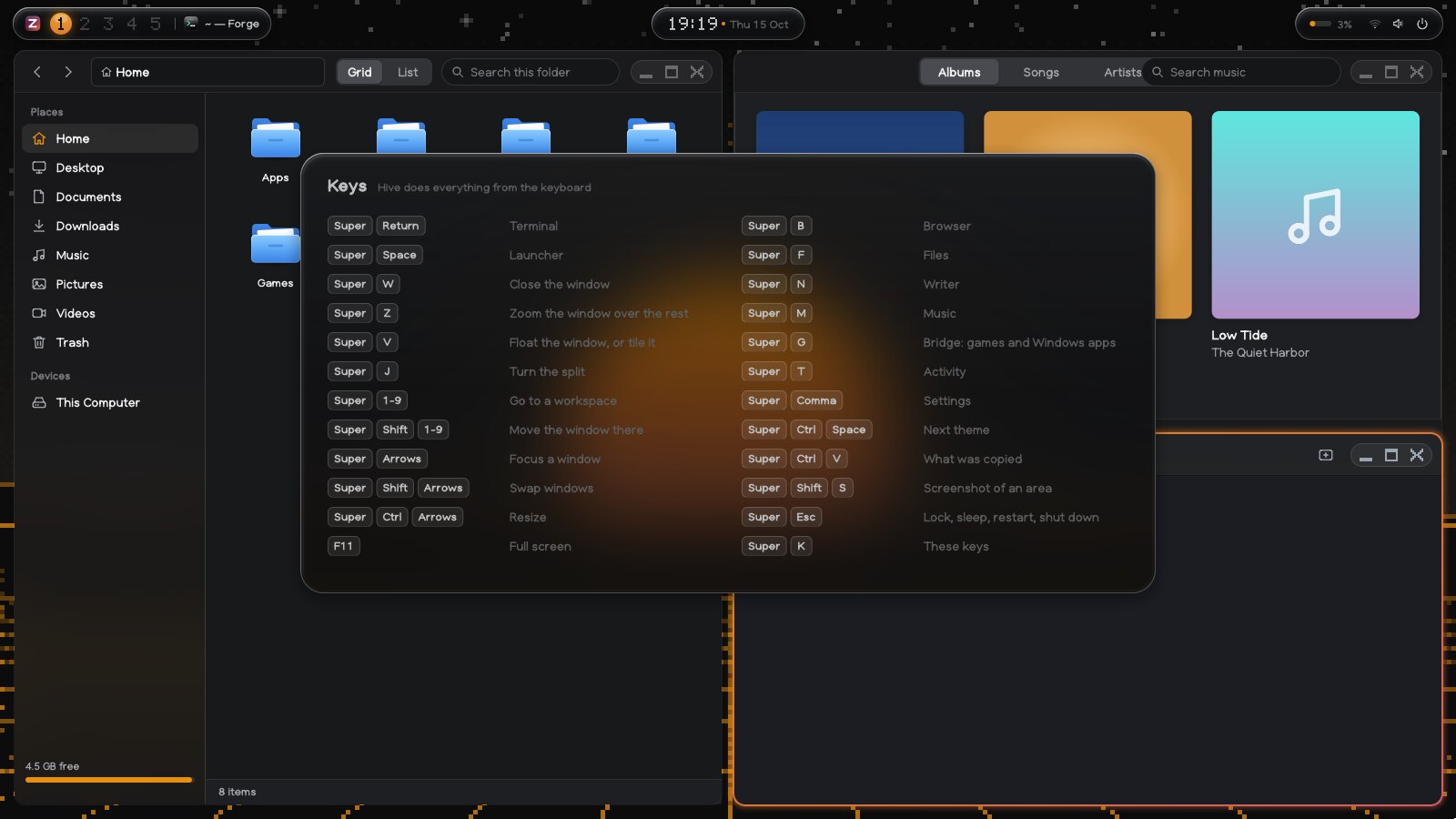
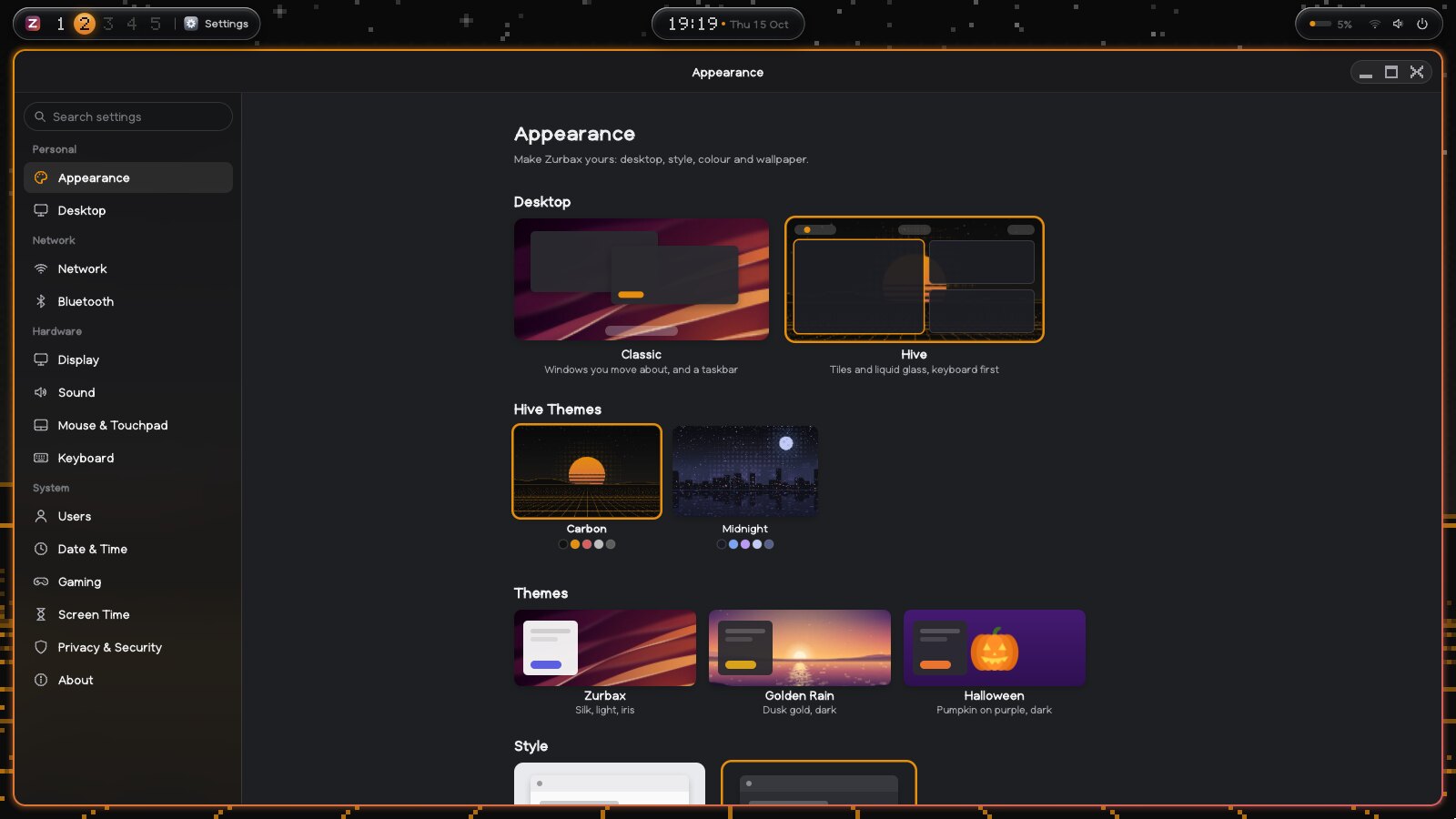
the desktop
Hive. Everything a keystroke away.
Windows share the screen side by side and nine workspaces slide across. The bar floats as three islands of glass, and a bead of your accent flows from workspace to workspace. The window in focus wears a ring of the theme's two colours and a soft glow that follows you.
Its window buttons are drawn in pixels: a tile of colour builds up behind each one block by block as you point at it. Put a window away and it waits in a tray in the bar.
- SuperReturn
- Terminal
- SuperSpace
- Launcher
- SuperW
- Close the window
- SuperZ
- Zoom it over the rest
- SuperV
- Float it, or tile it
- Super1-9
- Go to a workspace
- SuperShift1-9
- Move the window there
- SuperCtrlSpace
- Next theme
- SuperK
- Every key
Two themes. This page wears them too.
Carbon, black and orange, and Midnight, deep blue and violet. Each colours the rings, the glass and every app, and brings its own pixel-art wallpaper, painted by the system itself. Pick one and watch.
the pixel style
It moves.
The wallpapers are alive, on their own grid of big pixels: stars twinkle and now and then one shoots across, lines run down Carbon's grid towards you, and light glitters on the river under Midnight's city.
Windows build up block by block as they open and fall apart the same way as they close. Maximize one, or send it to the tray, and it passes through a mosaic on the way. The pointer, the clock and the workspace numbers are drawn in pixels too.
All of it costs about a quarter of one percent of a processor, and one switch in Settings turns it off.

the first start
Even the setup is a show.
The name builds itself in big pixels, block by block, over the theme's own picture while stars twinkle behind it. The steps are keycaps, the buttons are blocks you press down, and the tick at the end draws itself and throws sparks.
Pick Carbon or Midnight on the way and the whole setup changes colour on the spot. The installer is the same: it shows what's coming in pixels that dissolve, and a live log of every step.
Built to play.
Plug in a controller and it works, rumble included.
Any other Windows game or program, with its cover, on the same shelf as your Steam games.
Vulkan on all three, on one image: amdgpu and RADV, i915 and Xe, and nouveau with NVK for GeForce RTX 30 and 40.
For people who make things.
A terminal with tabs, Super + Return away, in every theme.
Firefox, Discord, Spotify, GIMP, OBS and thousands more from Harbor, the app store, one click each.
GNOME and its apps, your Linux programs and their portals, side by side with Zurbax's own.
install
Get Zurbax
One image for nearly every computer: the system, Steam and Proton, Bridge, eight ready apps and drivers for nearly every PC. Flash it to a USB stick, start from it, and install in a few minutes.
Download Zurbax 2.2 LTS
About 7 GB · ISO for USB sticks · SHA-256 sums
Only have a 4 GB stick? zurbax-standard.iso is 3.5 GB, with everything but some of the ready apps (they're a click away in Harbor). Just trying it in a virtual machine? zurbax-mini.iso is 140 MB. Prefer windows you move about? The Classic desktop is one click away in Settings.
Try it first
Start it from the stick and use it without installing anything, or run it in a virtual machine on a Mac or an iPad with UTM.
The UTM guide The full guideRuns on what you have.
Core Ultra, Ryzen, Arc, Radeon RX 9000 and GeForce RTX 30 and 40 included: the newest Ember kernel and firmware for all of it.
Any 64-bit PC with UEFI and 4 GB of memory, 8 GB for games, and 40 GB of disk.
Hold Option as it starts and pick the stick. How to start from it.